
 sales:
  sales:





 Cloud & on-premises CRM
 Point of Sale (POS)
 Taskwave Field Service ERP
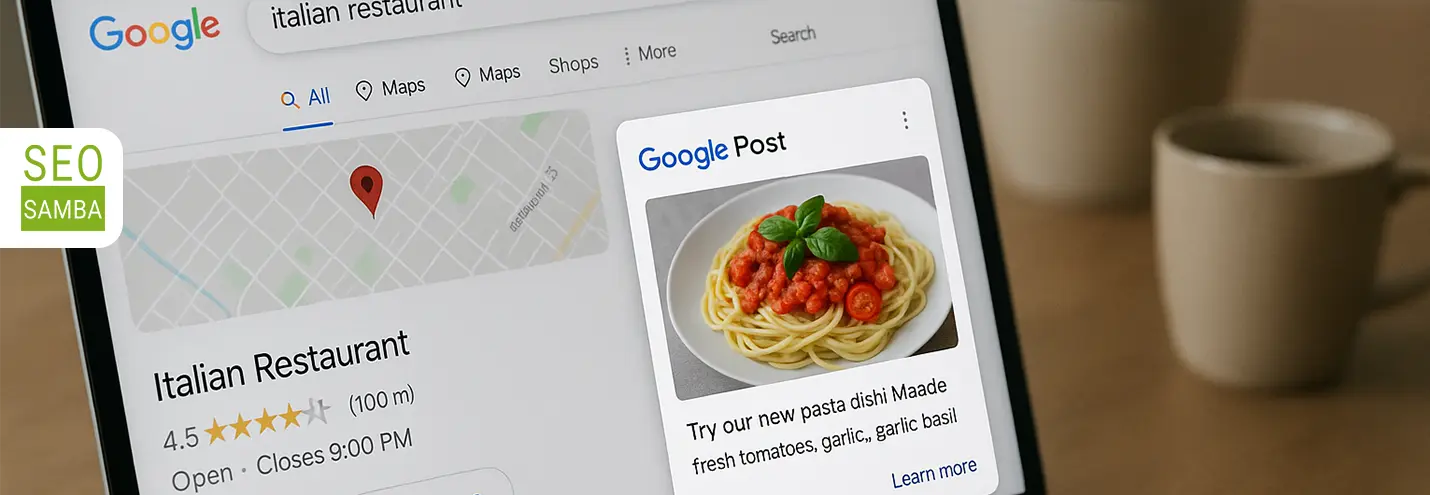
Google Business Profiles allow businesses to publish posts directly to their profiles. These posts are similar to social media updates and can be added for free whenever you want to share news, promotions, events, services, or timely updates.
Think of Google Posts as mini-advertisements that appear right where high-intent customers are already looking: your Google Business Profile.
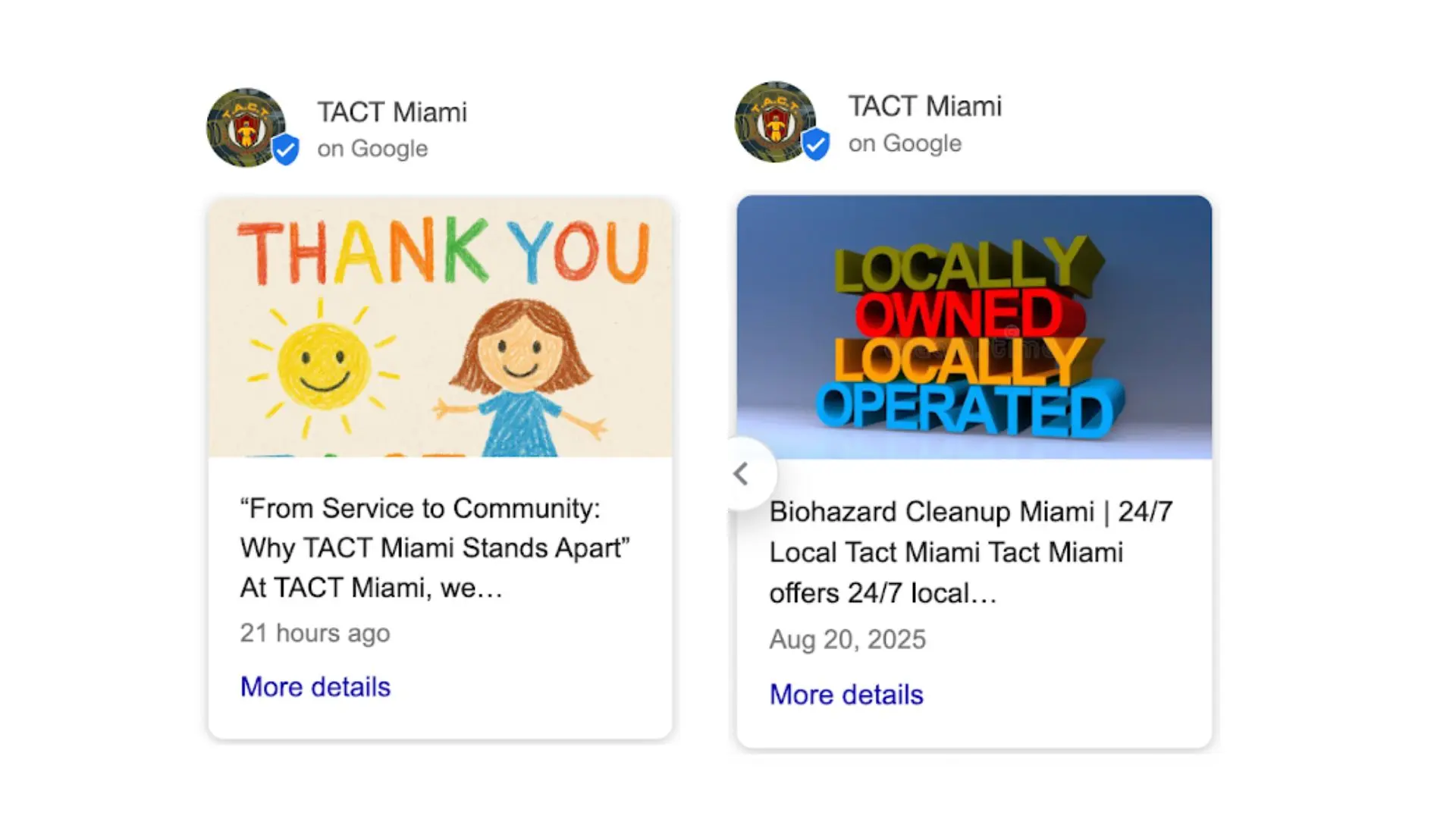
For franchise brands and multi-location businesses, Google Posts are a simple way to share fresh content across locations and reach potential customers on both Google Search and Google Maps. But once you are managing more than a handful of locations, posting manually can quickly become time-consuming.
The good news is that there are tools and strategies that make it easier to manage Google Posts at scale.
This guide will explain what Google Posts are, why they matter, and how franchise brands and multi-location businesses can manage them more efficiently across multiple profiles.
What are the benefits of posting to your Google Business Profiles?
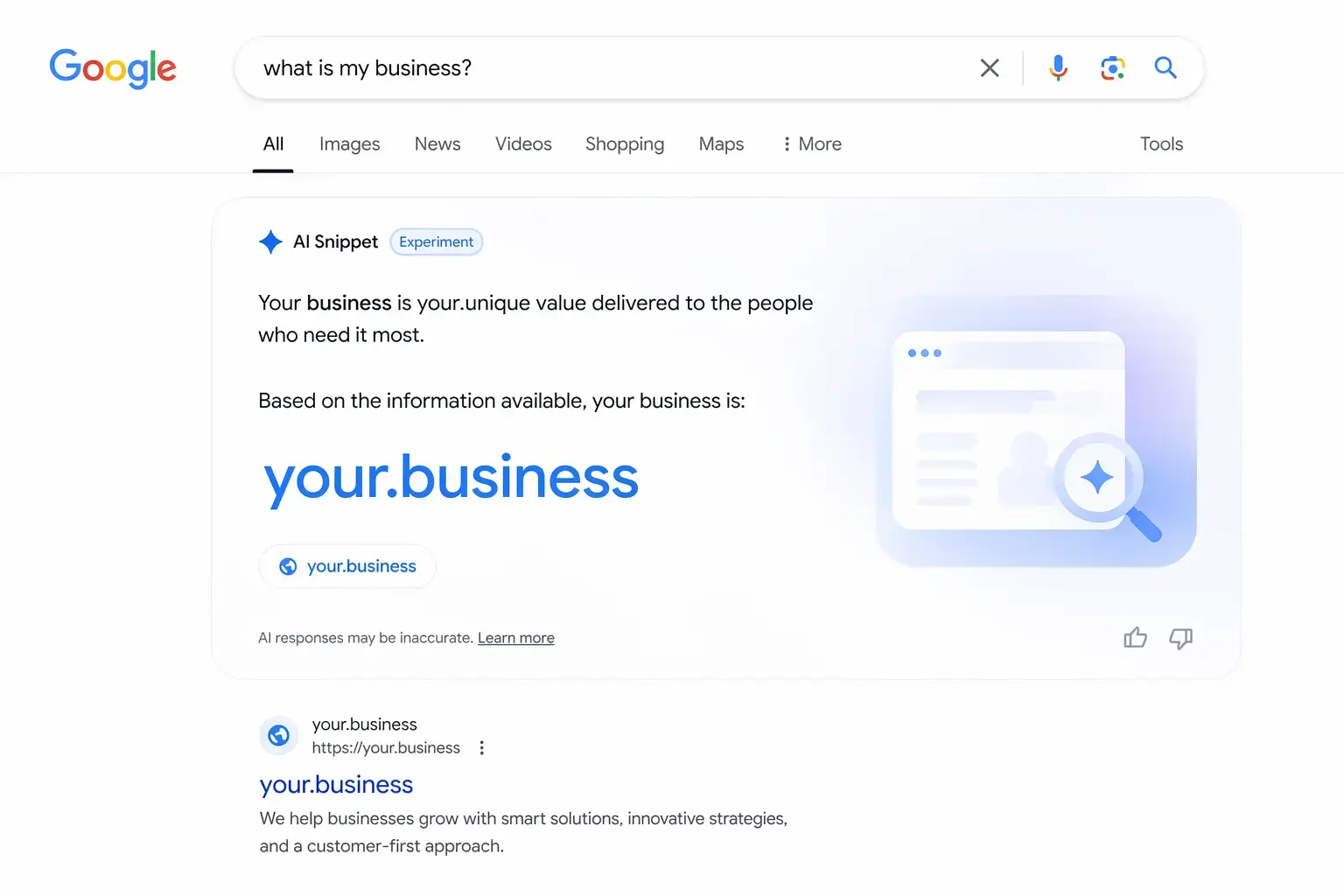
Businesses that post regularly see higher engagement on their Google Business Profiles, have more directions requests, and better click-through rates to their websites. In 2026, with AI-generated summaries pulling from Business Profile content, active profiles with recent updates are also more likely to surface in AI Overviews.
What types of Google posts can you create?
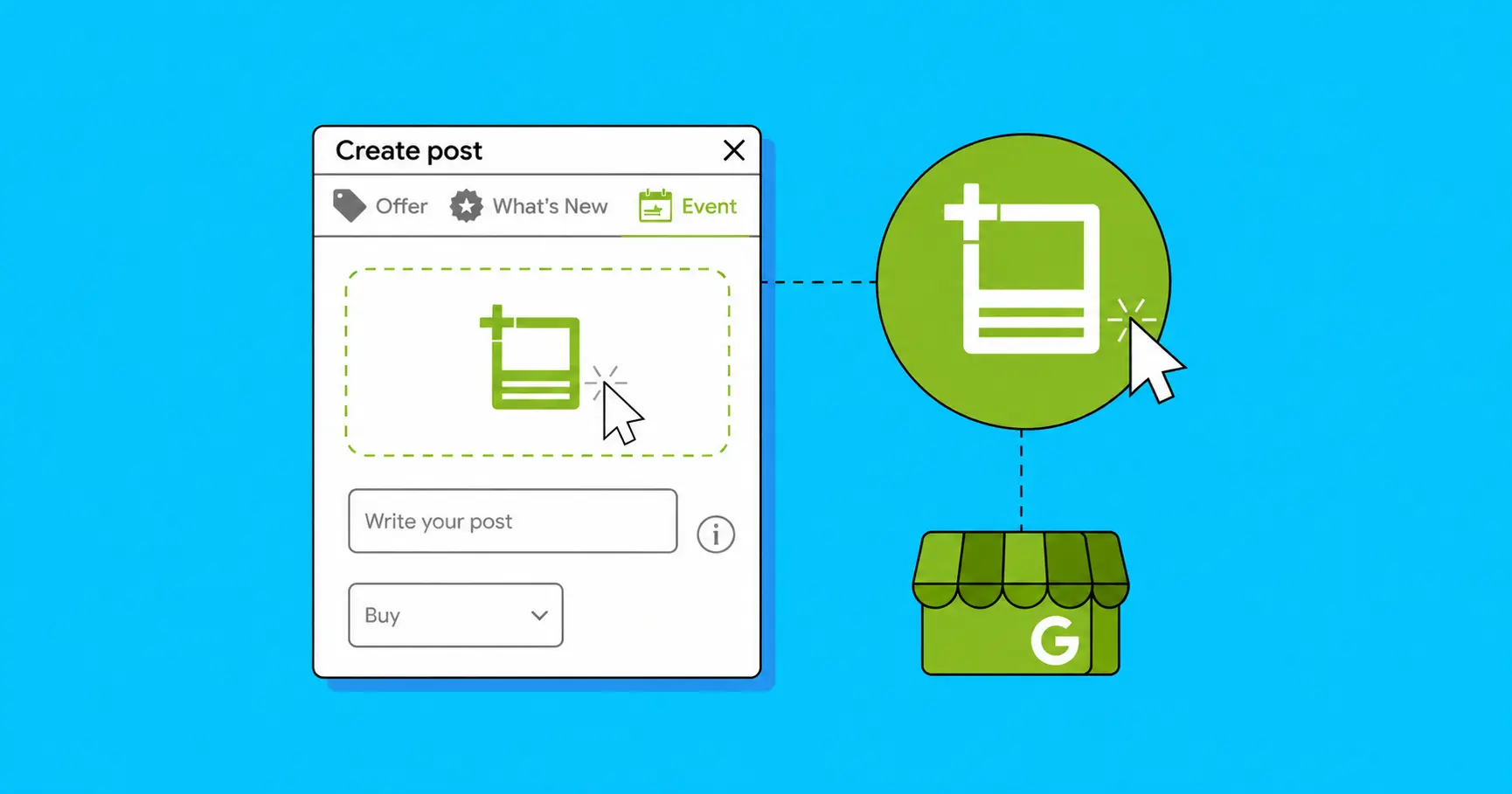
There are three post types you can create:
- "Updates" are general posts about your business and the most flexible option. You can add a description, photo, video, and an action button that sends customers to your website to book, order, or learn more.
- "Offers" are for promotions and discounts. They require a title, dates, and time, and automatically include a "View Offer" button. You can also add a coupon code, terms and conditions, and a link.
- "Events" are for specific activities tied to a date range. You set a title, start and end dates, and times. If you skip the times, Google shows the event as lasting 24 hours on those dates.
How do you set up Google posts for a single location?
Before you scale, make sure the basics work at the location level. Go to business.google.com and sign in using the account that manages the location. Select the location you want to create an update, offer or event for.
In the left menu, click "Add update" or find the Posts section.
Choose the post type, write the copy (up to 1,500 characters, but around 150 words performs best), add an image, and choose a call-to-action, if relevant. Be sure to preview your post before publishing. Your post will be published within a few seconds.
How do you manage Google posts across multiple locations?
This is where a lot of franchise marketers hit a wall. Google's native Business Profile Manager lets you manage multiple locations, but posting at scale comes with real limitations.
- Native Google updates expire after seven days
- Posts lack advanced content localization, making it difficult to tailor messages for distinct regional audiences
There are two practical approaches to working around these limitations:
- The Google Business Profile API requires developer resources, but allows you to build or integrate tools that push posts to multiple locations programmatically. However, brands with 10 or more locations are currently not eligible to use the Posts feature through the API.
- A third-party platform built for multi-location posting. Some third party platforms can connect using Google’s API on your behalf, accessible to you via a dashboard where you can create posts and push them out to selected profiles, groups of profiles, or all of your profiles at once. These platforms typically support bulk publishing, automated recurring posts, advanced scheduling, and local engagement analytics. For large franchise brands or enterprises that need to heavily customize posts for specific regional audiences, this is your most scalable option.
Solving the publishing problem is only half the equation. The deeper challenge for multi-location brands isn't just getting posts out the door, it's producing locally relevant content consistently across each market.
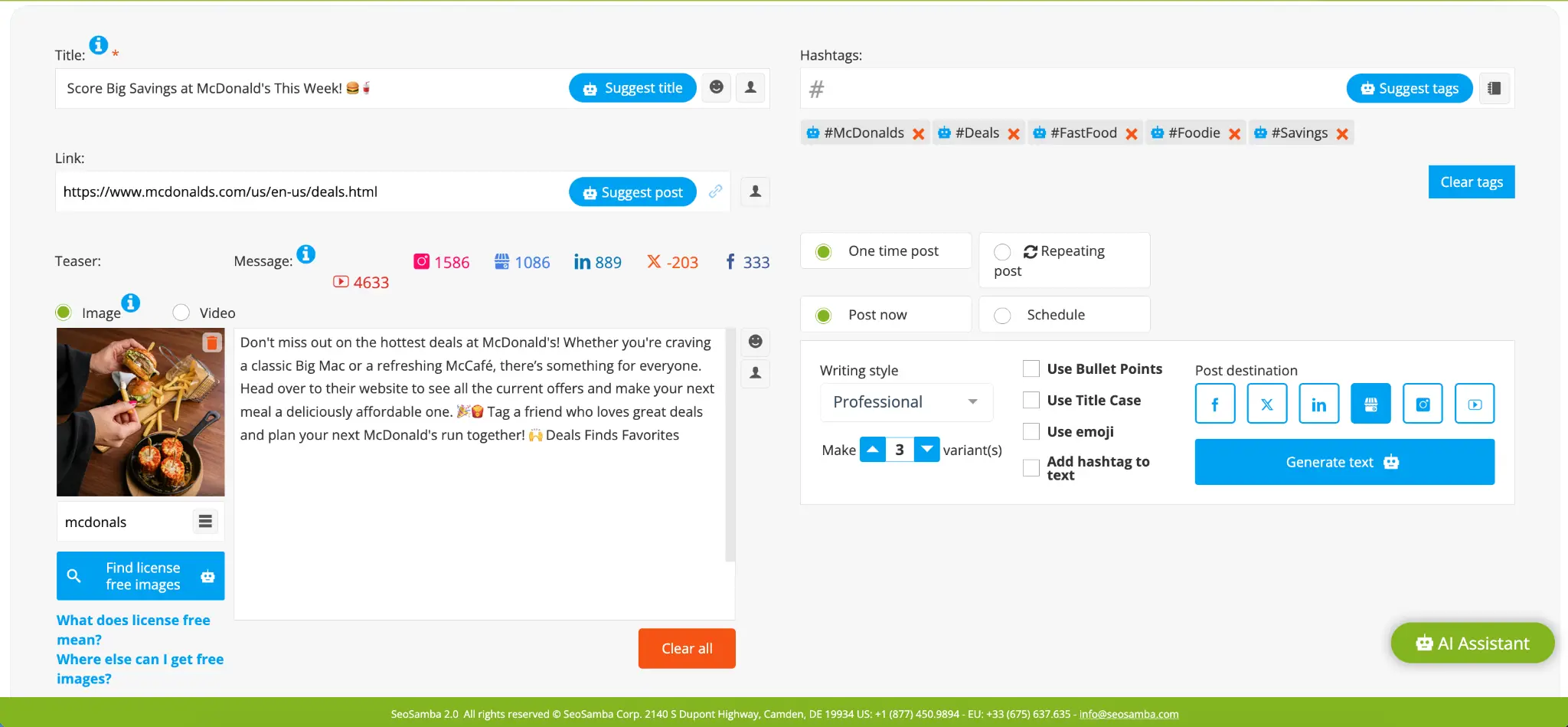
SeoSamba, powered by LocalEko, an AI-powered marketing and sales automation engine designed for franchisees, changes the equation. By analyzing customer reviews, website content, CRM activity, social engagement, call data, and other business intelligence sources, LocalEko continuously uncovers topics, services, and customer concerns that matter most in each location.
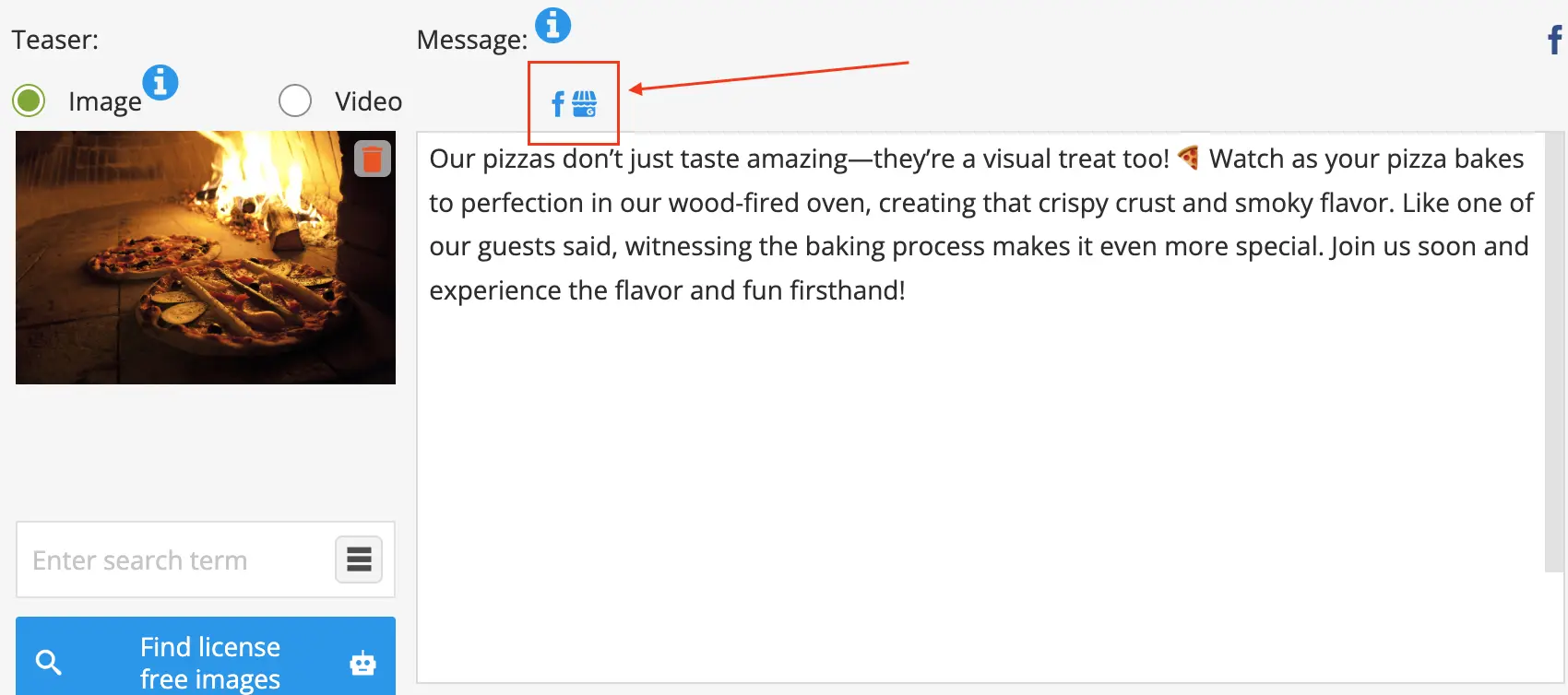
It then uses those insights to optimize websites for both SEO and Answer Engine Optimization (AEO), while automatically generating locally relevant content for websites, social media channels, and Google Business Profiles across your entire brand network.
Whether your process includes franchisee review of copy, corporate approval, or fully centralized management, LocalEko adapts to your workflow. Content can be reviewed and refined at the local level before being approved by corporate, or managed entirely by the brand team.
The result is a scalable local marketing strategy that helps each of your locations maintain an active digital presence, improve visibility in local search and AI-driven results, strengthen customer engagement, and drive more qualified leads, without adding work for franchisees or local staff.
What are the best practices for franchise Google Posts in 2026?
- Post at least once per week per location. Consistency signals an active business to both Google, AI and potential customers.
- Use location-specific details when possible. A post that mentions the city name, a local event, or a regional offer performs better than a generic national message copy-pasted across every profile.
- Always include an image, or video. Posts with images get significantly more views than text-only posts. Use real photos of your locations, staff, or products rather than stock imagery.
- Keep your call-to-action clear. "Order Now," "Get Offer," "Book," and "Learn More" are your options on the platform. Match the button to what you want the customer to do.
- Do not let posts expire without replacement. A profile with no recent posts looks stale. Set up a content calendar that allows you to schedule updates in advance, and stick to it.
What are the most common questions about Google posts for multi-location businesses?
- Do Google posts help with local SEO or AEO (Answer Engine Optimisation)?
Yes, Active profiles with regular posts contribute to overall profile engagement signals, and in 2026 they also influence what appears in AI-generated local summaries and recommendations. - How long do Google posts stay live?
Standard updates stay visible for seven days. Event and Offer posts remain visible until their set end date. - Can franchisees post to their own profiles?
Yes, and many franchise systems give local owners some level of posting access. The challenge is maintaining brand consistency. A good multi-location tool lets you set templates and approve content before updates go live. - How do you build a Google posts workflow for a franchise system?
- Start by auditing your current profile situation. List every active (verified) , unclaimed, and unverified location . Encourage franchisees to complete the verification process on any unverified listings. Updates can only be posted on verified profiles.
- Decide who owns the content. In most franchise systems, corporate marketing creates the core post templates and franchisees either use them as-is or customize them with local details. Define this process clearly before you start.
- Choose your tool. If you have five or more locations, a dedicated multi-location posting platform can save significant time compared to creating individual updates from within Google's dashboard.
- Build a content calendar with at least four weeks of posts planned out. Align it with your promotions calendar, if you have one.
- Set up a reporting loop. Make note of any locations that are posting consistently, which posts are getting the most engagement, and adjust your content strategy accordingly.
How can SeoSamba help you manage Google Posts?
Running a franchise brand comes with many challenges. Marketing to your Google Business Profiles doesn’t have to be one of them. SeoSamba has a solution to help make updating your profiles consistently much easier. Its marketing automation platform was designed specifically for franchises and multi-location businesses.
Built-in publishing tools give you the ability to create updates that can quickly be distributed to each of your business profiles from a central location with just a couple of clicks, instead of manually creating updates for each individual profile. It assists in helping you save time, ensure updates are being sent out consistently, and follow your brand’s guidelines.