
 sales:
  sales:





 Cloud & on-premises CRM
 Point of Sale (POS)
 Taskwave Field Service ERP
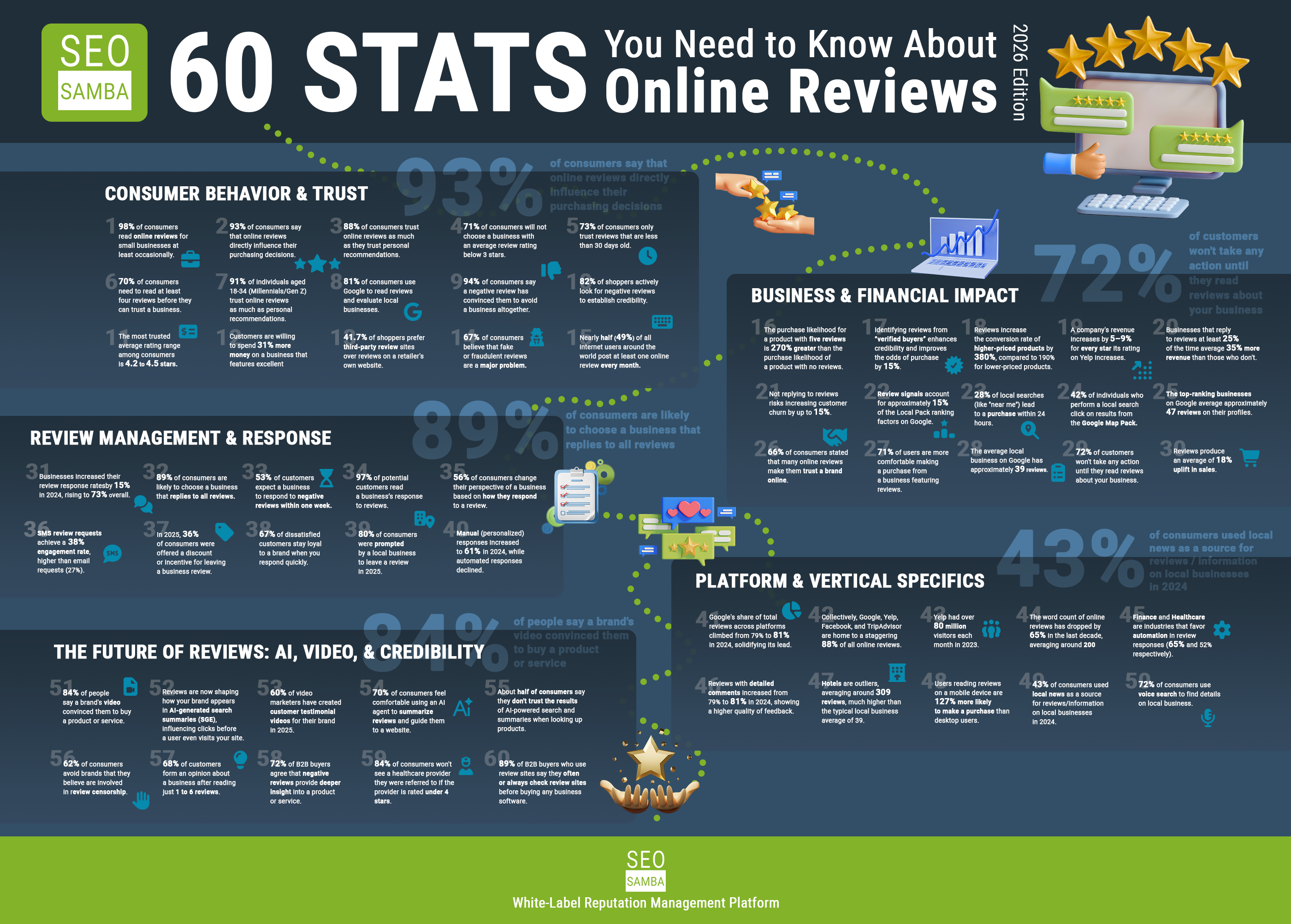
Online reviews influence how customers perceive your business long before they call, visit, or submit a form.
They help establish trust, strengthen your local search presence, and give prospective customers a better understanding of what it is like to work with you. Reviews also provide search engines and AI platforms with valuable signals about your reputation, services, and customer experience.
But reviews rarely appear consistently without a plan.
Businesses need a reliable process for asking customers for feedback, responding to reviews, monitoring multiple platforms, and putting that customer feedback to work.
In this guide, we will cover:
- Where your business should collect reviews
- How to ask for reviews appropriately
- Five practical ways to generate more reviews
- How to respond to positive and negative feedback
- How to manage reviews across multiple locations
- How reviews can support your broader marketing strategy
Why Are Online Reviews Important in 2026?
Reviews help customers feel more confident about choosing your business. A prospective customer may compare your ratings, read recent comments, look for photos, and evaluate how your business responds to feedback before deciding whether to contact you.
Reviews can also support:
- Local search visibility
- Google Business Profile engagement
- Brand credibility
- Customer confidence
- Conversion rates
- Customer retention
- AI-powered search visibility
As AI tools become a larger part of the research process, businesses need a strong and consistent online presence across multiple trusted sources. Reviews alone will not guarantee that a business appears in an AI-generated answer. However, authentic customer feedback can help reinforce the credibility, relevance, and reputation signals associated with your brand.
Where Should You Collect Reviews?
Your Google Business Profile is usually the most important place to begin, especially for local businesses.
Google reviews appear prominently in local search results and Google Maps. Customers can share written feedback, ratings, and photos, giving prospective customers an immediate view of your reputation.
However, Google should not be your only focus.
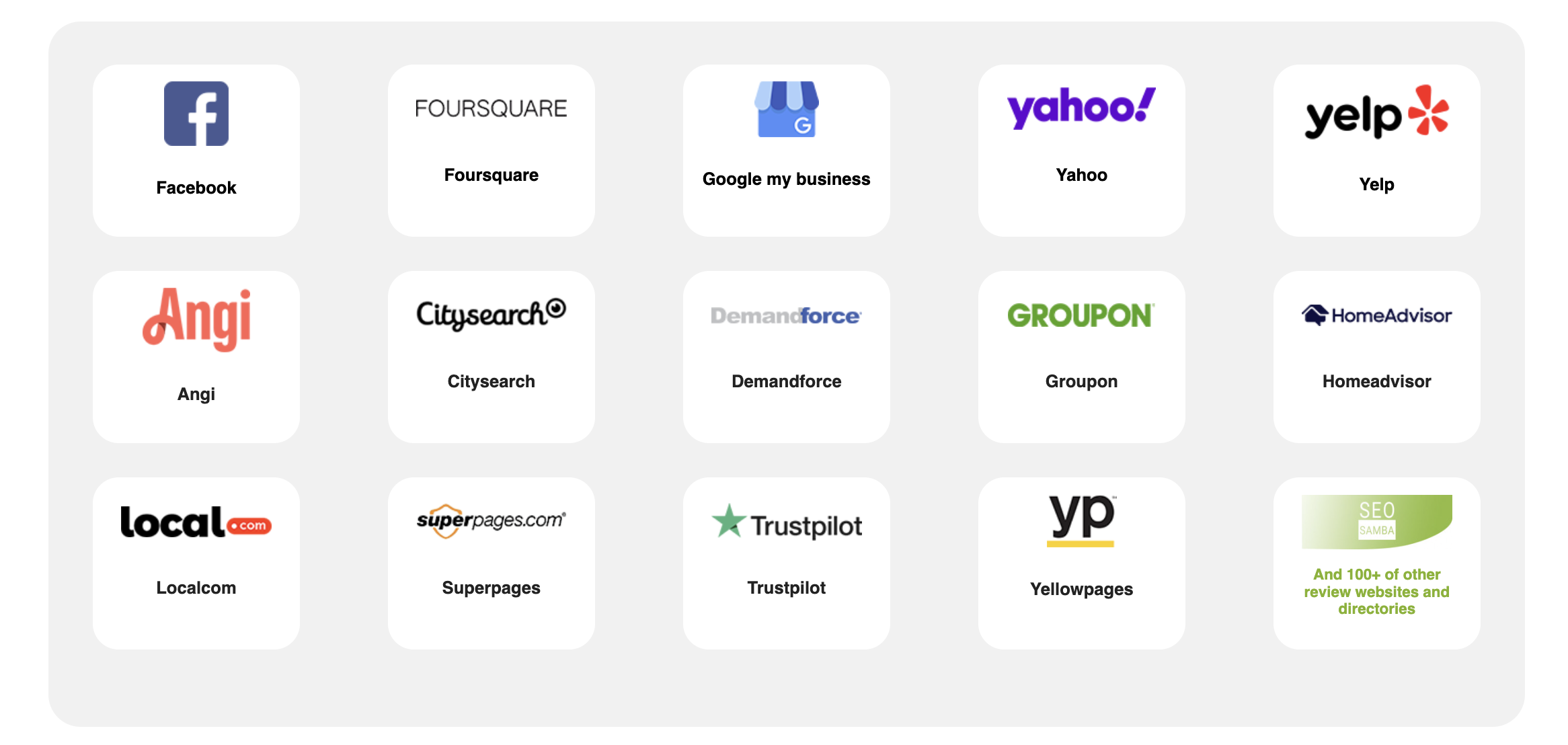
The most valuable review platforms depend on your industry, audience, and market. Customers may also research your business through:
- Yelp
- Better Business Bureau
- Apple Maps
- Bing Places
- Trustpilot
- Nextdoor
- Capterra
- G2
- Clutch
- Industry-specific directories
Rather than trying to maintain a presence on every review site, identify the platforms your customers actually use when comparing providers.
A software company may prioritize G2 or Capterra. A professional services firm may benefit from Clutch. A restaurant, contractor, retailer, or healthcare provider may receive more value from Google, Yelp, Facebook, or a specialized industry directory.
The goal is to be visible where purchasing decisions are already happening.
How Should You Ask Customers for Reviews?
The most effective review requests are timely, simple, and easy to complete.
Ask customers after a positive service interaction, completed purchase, successful project, or resolved support request. Do not wait so long that the experience is no longer fresh in their minds.
You can share a direct review link through:
- Follow-up emails
- Text messages
- Digital receipts
- Printed receipts
- Thank-you pages
- QR codes
- Appointment reminders
- Customer portals
- In-store signs
- Post-service communications
Your request does not need to be complicated.
For example:
Thank you for choosing our business. Would you be willing to share your experience? Your feedback helps us improve and helps other customers make informed decisions.
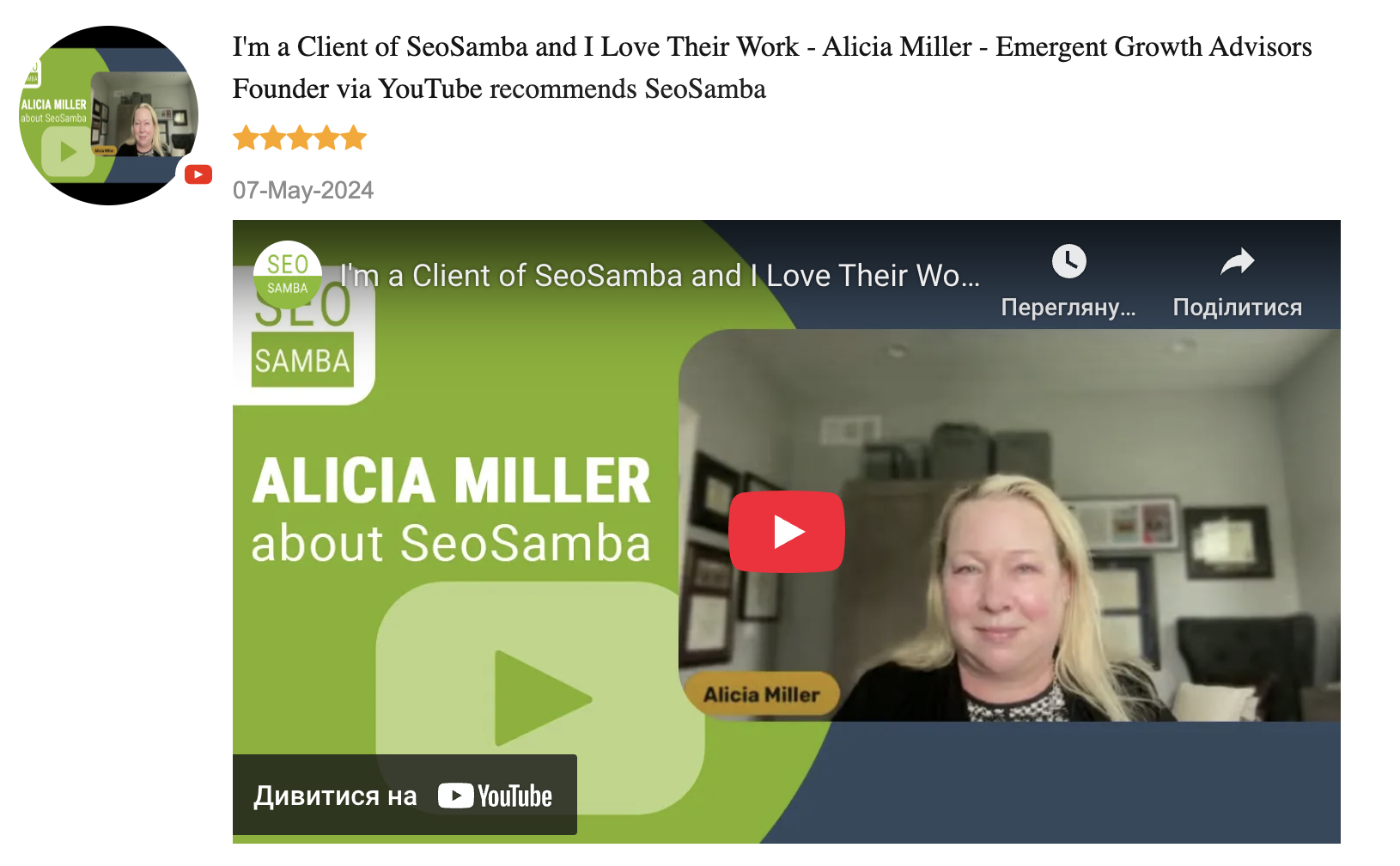
Ask customers for an honest review, regardless of whether you expect it to be positive or negative.
Avoid offering discounts, free products, contest entries, or other incentives in exchange for Google reviews. Businesses should also avoid directing only satisfied customers to public review platforms while privately filtering out unhappy customers.
A strong reputation program should encourage genuine feedback from all customers.
Five Ways to Get More Reviews This Week
1. Create a Direct Review Link
Make it as easy as possible for customers to reach the correct review page.
Do not ask them to search for your business, find the right location, and navigate through several screens. Send them directly to the place where they can leave feedback.
Use that link consistently in emails, text messages, invoices, receipts, and customer follow-ups.
2. Add a Review QR Code
A QR code can make offline review requests much easier.
Place it on:
- Receipts
- Business cards
- Counter displays
- Table tents
- Service paperwork
- Packaging
- Thank-you cards
- Appointment materials
Customers can scan the code and reach your review page immediately from their phones.
3. Build Review Requests Into Your Customer Process
Do not rely on employees to remember to request reviews occasionally.
Make the request part of your normal workflow.
For example, you can automatically send a review request:
- After an appointment
- After an order is completed
- When a service ticket is closed
- Several days after a purchase
- After a customer signs off on a project
- Following a successful support interaction
- Automation creates consistency and reduces the amount of manual follow-up required from your team.
4. Train Your Team to Recognize the Right Moment
Automated requests are valuable, but personal requests can also be effective.
Train employees to recognize natural opportunities to ask for feedback. If a customer compliments the service, thanks an employee, or expresses satisfaction with the outcome, that may be an appropriate time to invite them to share their experience.
Keep the request conversational and pressure-free.
For example:
I’m glad we could help. If you have a moment, we would really appreciate an honest review.
5. Review Your Current Customer Touchpoints
Look at every place where your business communicates with customers.
Could you add a review link to:
- Your email signature?
- Your invoice template?
- Your appointment confirmation?
- Your customer portal?
- Your post-purchase email?
- Your website?
- Your social media profiles?
Small additions across several touchpoints can produce more consistent results than relying on one large review campaign.
What Should You Do After Receiving a Review?
Collecting reviews is only the beginning.
Businesses should also monitor and respond to the feedback they receive.
A thoughtful response shows customers that your business is paying attention. It also gives prospective customers additional insight into how you communicate and handle customer concerns.
Responding to Positive Reviews
Thank the customer and personalize the response when possible.
You may mention the service they received or acknowledge a specific detail from their comments.
For example:
Thank you for taking the time to share your experience. We are glad our team could make the process easier for you, and we appreciate the opportunity to work with you.
Avoid posting the exact same generic response to every customer.
Responding to Negative Reviews
Stay calm, professional, and brief.
Do not argue with the customer or reveal private information. Acknowledge the concern, express your willingness to investigate, and move the conversation to a private channel.
For example:
Thank you for bringing this to our attention. We are sorry to hear that your experience did not meet expectations. Please contact our team directly so we can learn more and work toward a resolution.
A professional response will not erase the negative review, but it can influence how future customers interpret it.
How Can Multi-Location Businesses Manage Reviews at Scale?
Review management becomes more complicated when a business has several locations.
Each location may have its own Google Business Profile, local review pages, customer base, employees, and service concerns.
Corporate marketing teams need visibility across the entire organization, while local teams need the ability to respond appropriately to their own customers.
Without a centralized system, businesses often end up relying on spreadsheets, shared passwords, manual searches, and inconsistent review responses.
A reputation management platform can help centralize:
- Review requests
- Review monitoring
- Response workflows
- Location-level reporting
- Notifications
- Approval processes
- Website review displays
- Reputation analytics
This gives corporate teams a clearer view of brand performance while helping individual locations manage their local reputations.
How SeoSamba Simplifies Review and Reputation Management
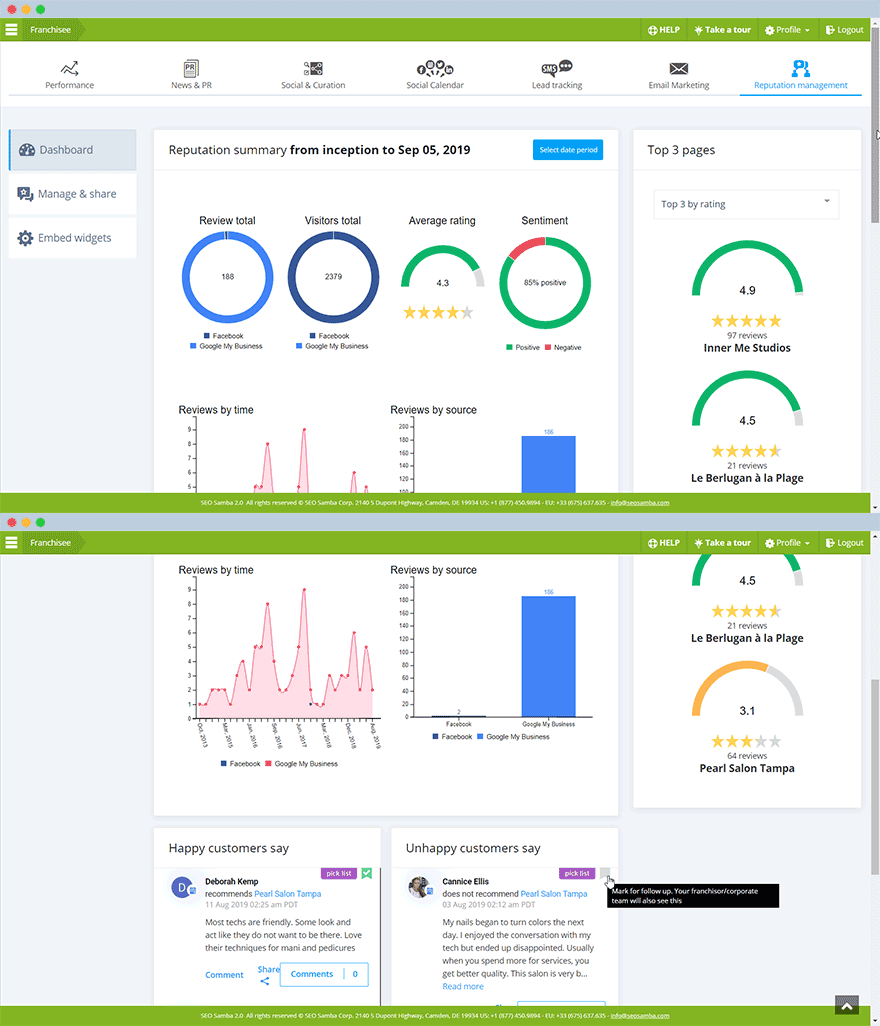
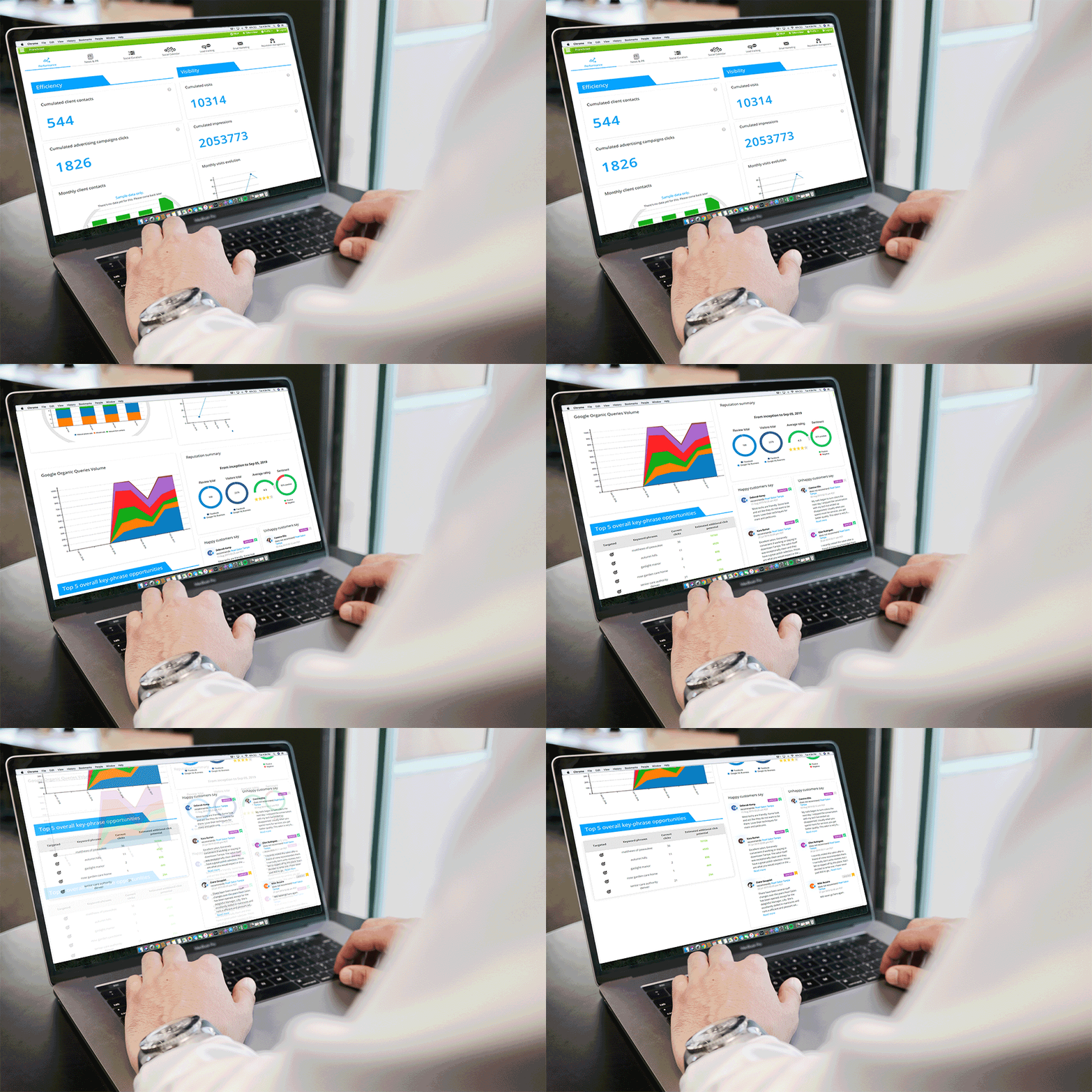
SeoSamba’s Review and Reputation Management System helps businesses collect, monitor, respond to, and display reviews from one connected platform.
Businesses can use tools such as:
- Automated review requests
- Direct review links
- QR codes
- Review widgets
- Centralized monitoring
- Response notifications
- Multi-location reporting
- Website review displays
- Video testimonials
SeoSamba connects with more than 100 review platforms, allowing businesses and marketing teams to monitor customer feedback without checking each platform individually.
Reviews and testimonials can also be displayed dynamically on your website, reducing the need to copy and update them manually.
Turning Customer Feedback Into Marketing Content
Reviews are more than reputation signals.
They also reveal what customers value about your business.
Customer feedback may highlight:
- Frequently requested services
- Common customer concerns
- Competitive advantages
- Employee strengths
- Successful customer outcomes
- Questions your audience needs answered
That information can help guide future website content, blog topics, social media posts, FAQs, campaigns, and sales messaging.
This is where LocalEko expands the value of reputation management.
LocalEko uses connected business information — including reviews, CRM activity, website content, and other marketing data — to generate relevant blog and social media content.
The content can be delivered by email or accessed directly within the platform. Your team can then review, edit, approve, reject, or schedule it.
Instead of allowing valuable customer insights to sit unused on a review platform, LocalEko helps turn them into fresh content that supports visibility, engagement, and lead generation.
Build a Review Process That Works Consistently
The best way to get more reviews is not to run a one-time campaign.
It is to create a repeatable process.
Ask customers for honest feedback at the right time. Make the process easy. Monitor the platforms that matter most to your audience. Respond professionally, and use the insights you receive to improve both your customer experience and your marketing.
With the right system in place, reviews can do more than strengthen your reputation.
They can help your business earn trust, improve visibility, create better content, and generate more opportunities for growth.
See SeoSamba Reputation Management in Action
SeoSamba helps businesses, agencies, franchises, and multi-location brands manage reviews and turn customer feedback into measurable marketing value.
Schedule a demo to see how SeoSamba can help you collect, monitor, display, and use customer reviews more effectively.
You can also request a free AI visibility audit to see how AI tools understand your business, your competitors, and the questions your customers may already be asking.