
 sales:
  sales:





 Cloud & on-premises CRM
 Point of Sale (POS)
 Taskwave Field Service ERP
The SeoSamba POS app is a specialized, omni-channel sales tool designed to bridge the gap between basic payments and full-scale retail management. It is the ideal solution for businesses that require more robust features than the standard Stripe Dashboard — such as inventory sync and CRM integration — while still avoiding expensive monthly subscriptions.
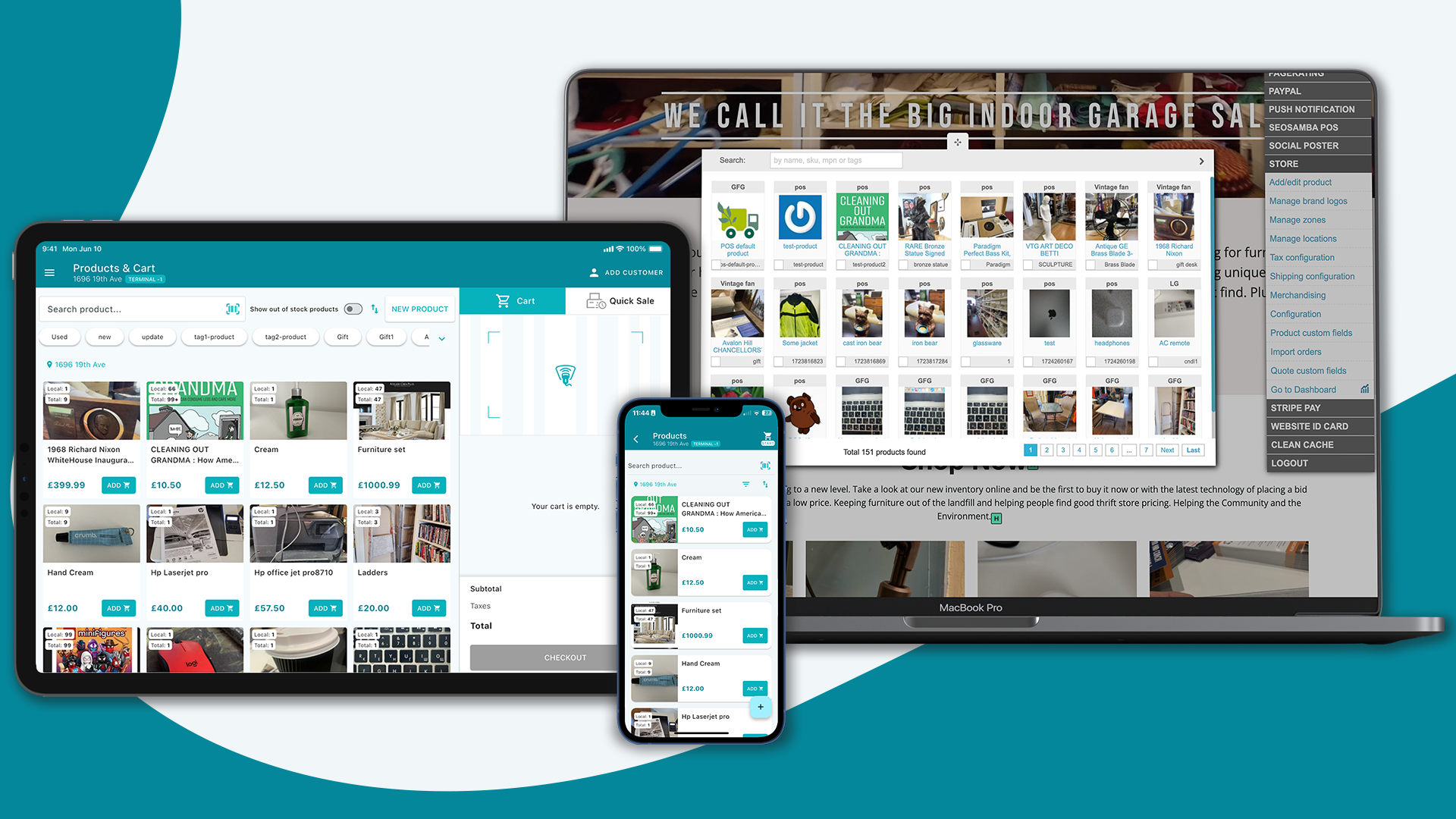
Despite its advanced capabilities, SeoSamba is also built for mobility; its dedicated "Quick Sale" mode allows for effortless, ad-hoc transactions on the go, enabling you to accept payments instantly without the need for a pre-configured product catalogue.
Pricing and Costs
Software Cost: SeoSamba POS is currently marketed as "Absolutely Free" until 2027 for standard use. Starting in 2027, the developer plans to introduce a 1% transaction fee.
Hosting Options
Self-Hosted: You can deploy the open-source back-end (SeoToaster) on your own server at no software cost.
Cloud Hosting: Optional cloud hosting is available for $25/month after a 14-day free trial.
Transaction Fees: You only pay standard Stripe processing rates (e.g., 2.7% + 5¢ for in-person transactions in the US). Unlike many other third-party Stripe apps, SeoSamba currently adds no extra transaction commission (until 2027).
Download the POS from the Google Play or Apple App Store
Key Features
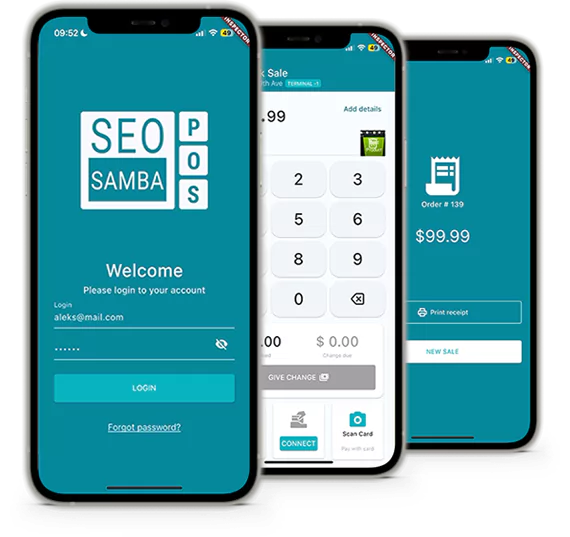
Hardware-Free Setup: Supports Tap to Pay on both iOS and Android, allowing you to accept contactless payments using only your phone.
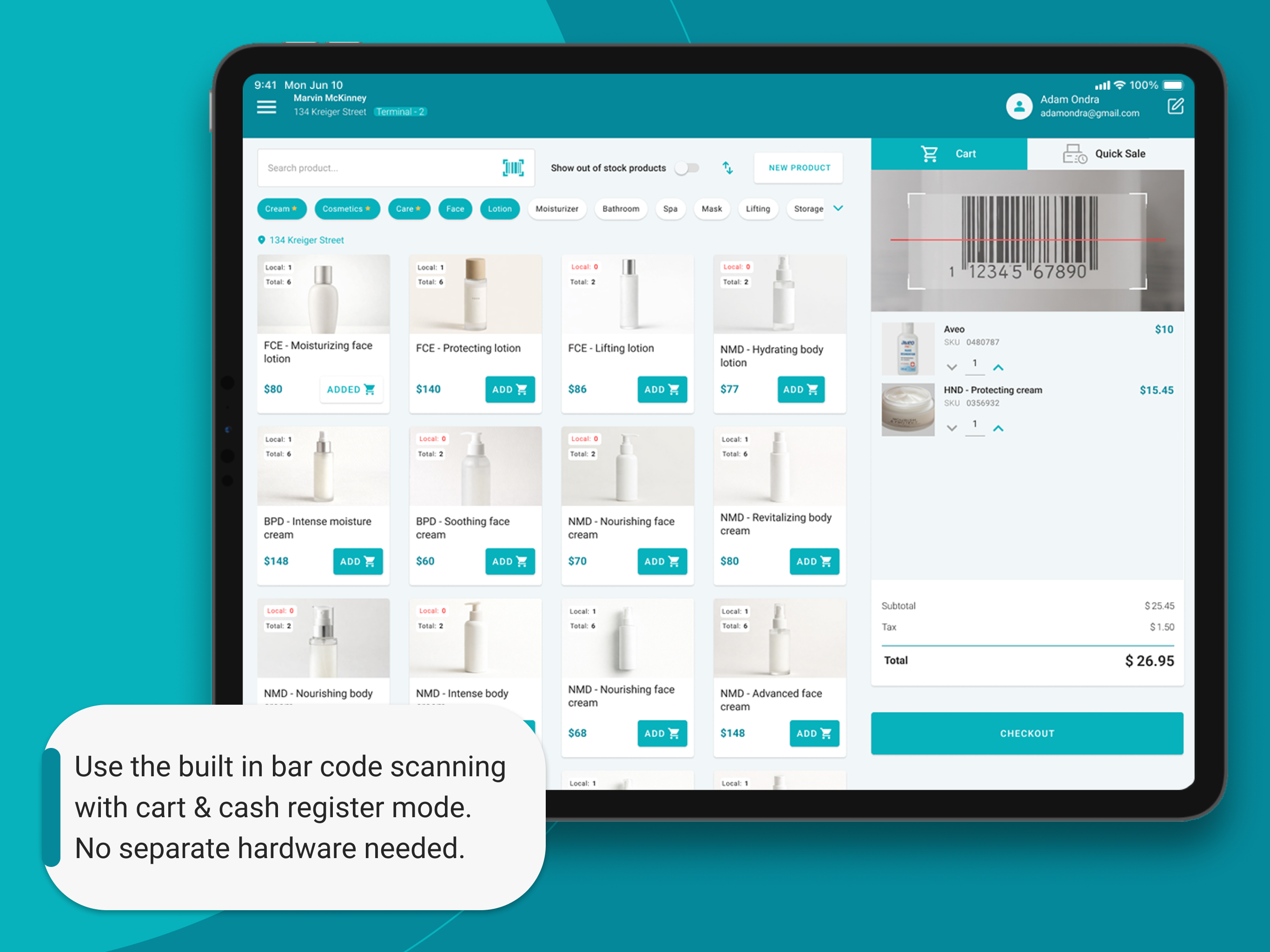
Inventory & CRM: Includes real-time inventory tracking across multiple locations and a built-in CRM that stores customer purchase history.
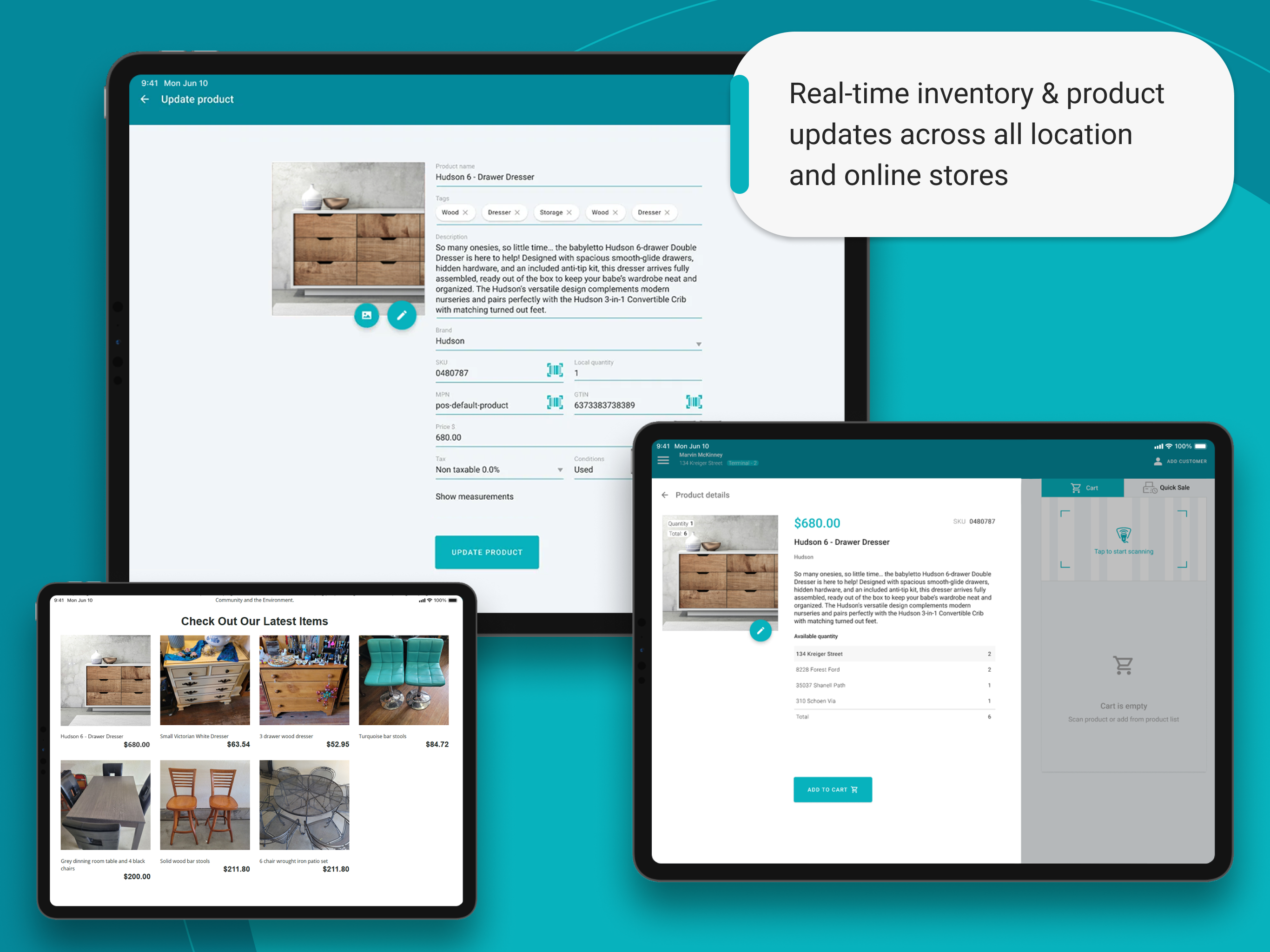
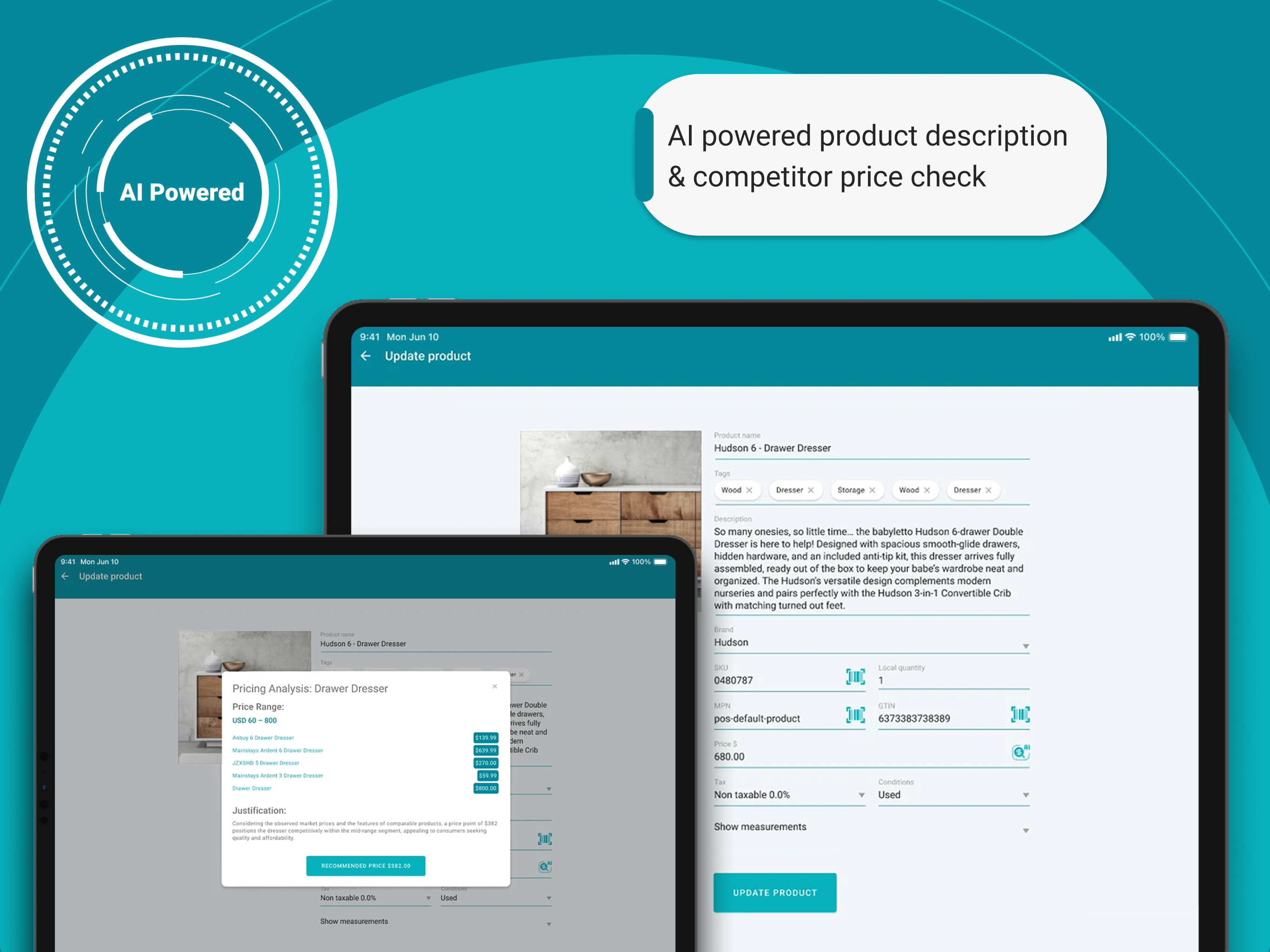
AI Integration: Features AI-powered tools for generating product descriptions and performing competitor price checks.
Quick Sale Mode: Ideal for pop-ups or events, this mode allows for ad-hoc transactions without needing a pre-loaded product catalogue.
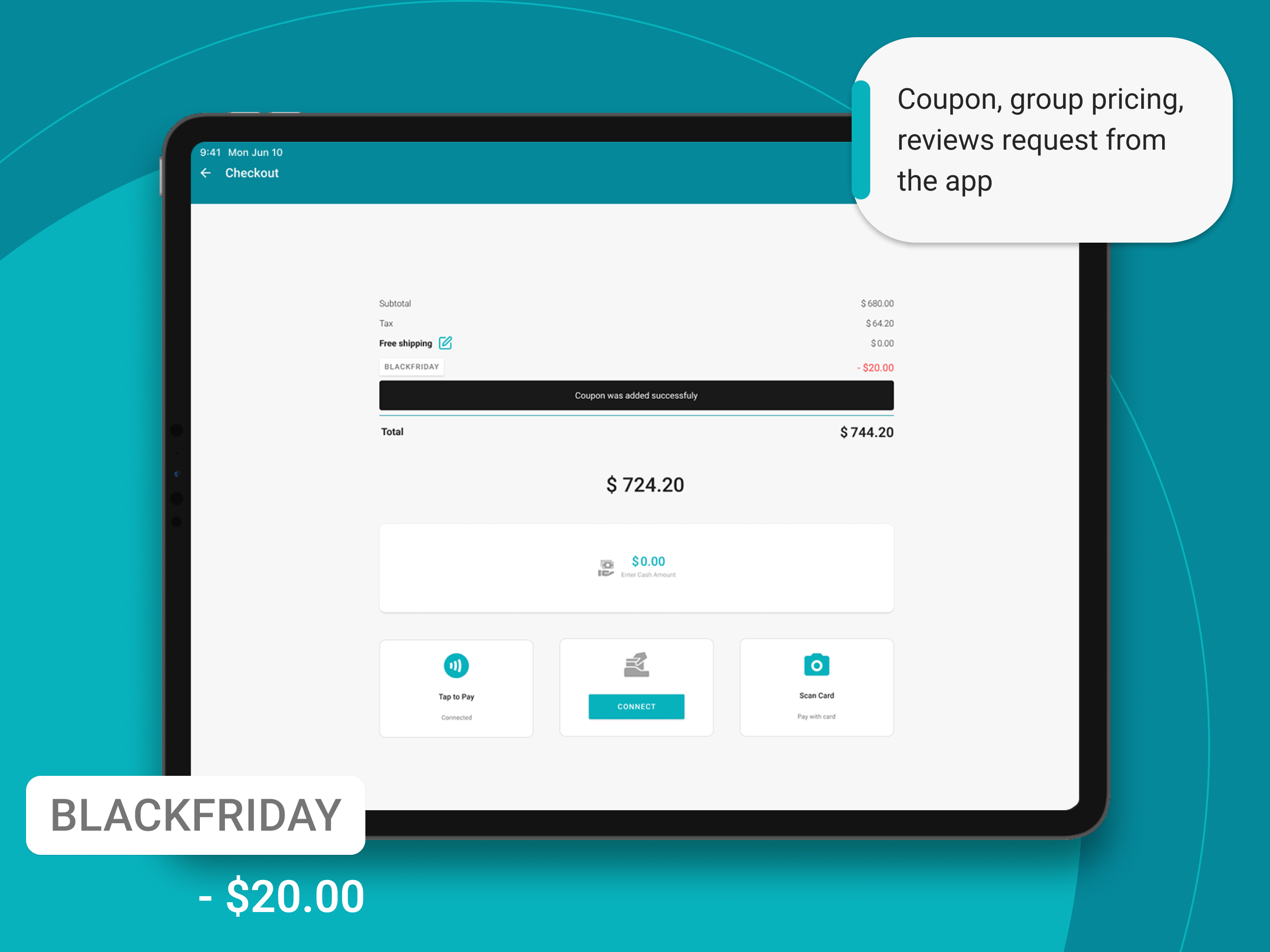
Automated Marketing: Can automatically send digital receipts and follow-up requests for Google or Facebook reviews.
The SeoSamba POS app is specifically designed with an "on-the-go" capability called "Quick Sale" mode, which is perfect for simple, ad-hoc transactions without requiring a pre-configured product catalogue.
Request a demo with a SeoSamba Specialist
Using the Quick Sale Mode
The "Quick Sale" feature is built for speed and minimal setup, making it ideal for mobile merchants, service providers, or pop-up shops.
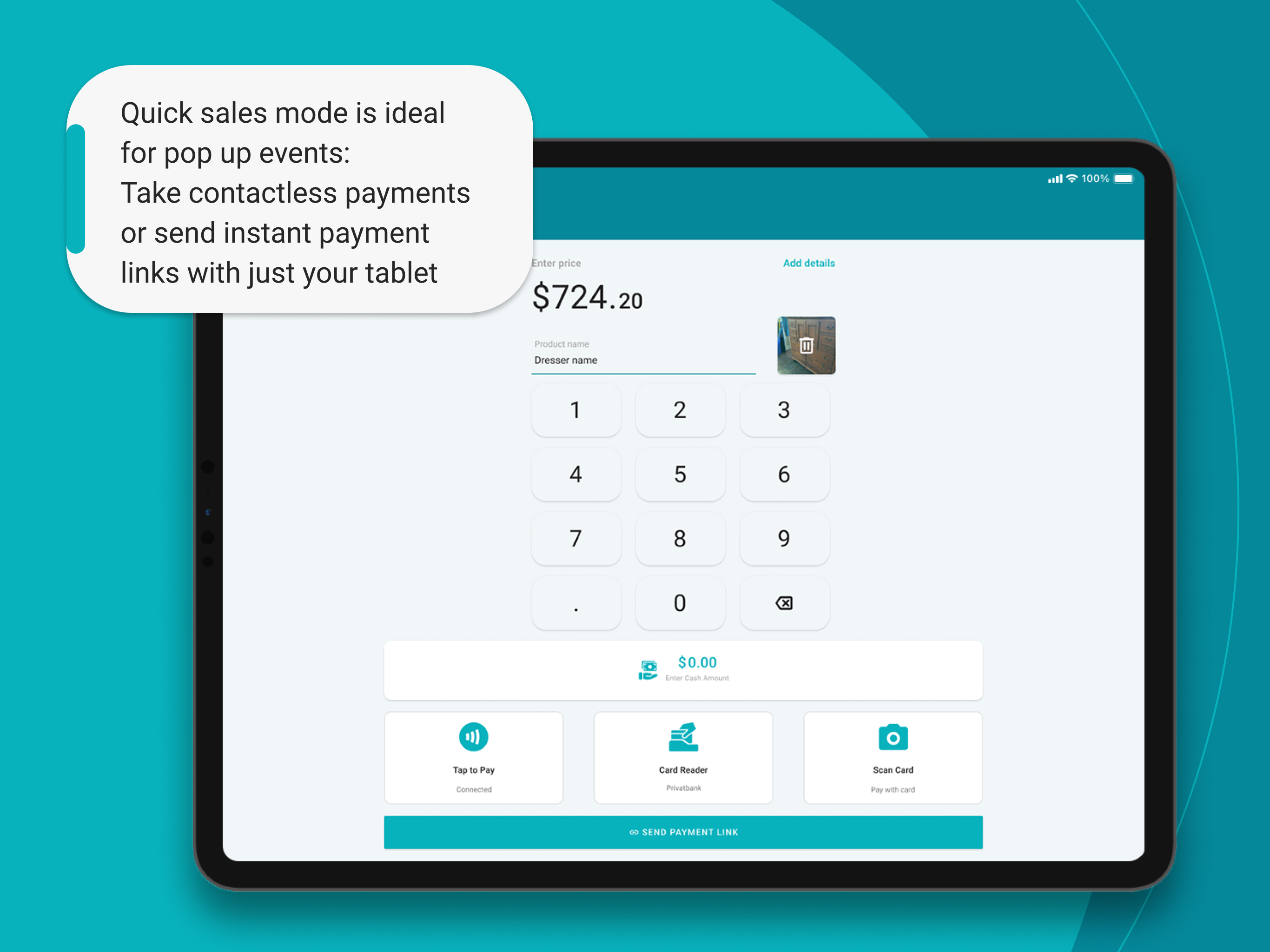
Instant Sales: Simply open the app and enter the sale price on a basic keypad interface. You don't need to add the item to an inventory or select it from a list.

Payment Options: You can accept various payment methods on the spot:
Tap to Pay: Use the built-in functionality on your iPhone or Android device to accept contactless payments directly with no extra hardware.
Card Reader: Optionally connect a physical Stripe card reader via Bluetooth for chip-and-PIN entry.
Cash: Record cash payments and calculate change.
Transaction Details: For your records, you can optionally capture a photo of the item, add a description, and include notes.
Receipts & Reviews: After the transaction, you can instantly send a digital receipt to the customer via SMS or email, which can also include a link to request a Google or Facebook review.
All transactions are securely logged in your back-office and linked to your Stripe account, even those made in Quick Sale mode, ensuring all your sales data is unified.

Stripe App vs. SeoSamba POS
Stripe Dashboard App: Best if you only need a digital "terminal" to type in an amount and tap a card. It is the most reliable for basic account oversight, but lacks retail features.
SeoSamba POS: Best if you want a mobile "cash register." Its Quick Sale mode allows you to snap a photo of an item on the fly for better records and automatically nudges customers for reviews to boost your SEO.
Download the POS from the Google Play or Apple App Store
Both the Stripe Dashboard app and SeoSamba POS offer "on-the-go" modes for fast payments, but they serve different business needs. As of 2026, SeoSamba remains "free" for standard use (no extra commission), while the Stripe app is the official minimalist tool for account management and basic charges.
For further details on setting up, you can visit the official Stripe Dashboard support page or the SeoSamba POS feature guide.